
Systems integration
The Pipe and Glass
Replacing a business-critical voucher platform in under three weeks
A branded voucher shop and bespoke order-management system delivered against a fixed deadline.

Systems integration connects the software an established business already relies on: ERP, CRM, finance, websites, warehouse tools, Microsoft platforms, portals and bespoke operational systems.
They need the software they already have to exchange reliable information. When it does not, employees become the integration layer: downloading files, copying orders, reconciling customer records and assembling reports by hand.
That work is easy to underestimate because it is spread across teams. It consumes time, introduces mistakes and leaves important processes dependent on individual workarounds.
Customer, order or product data is re-keyed because the systems holding it do not exchange it.
Exports and imports become a daily workflow rather than a temporary workaround.
The answer exists, but it has to be gathered from several systems before anyone can use it.
CRM, finance, warehouse and website records drift because no system owns the hand-off.
The technologies vary. The useful question is always the same: what information needs to move, when does it need to move and what should happen if something fails?
Connect stock, job, queue and completion data with the tools used where the work happens.
Move customer and enquiry information into the right workflow without repeated entry.
Keep order, invoice, margin or payment information aligned with operational records.
Connect documents, approvals and team processes with the systems carrying the wider job.
Build secure API connections for product, order, account and fulfilment information.
Create a controlled layer around older software where immediate replacement is not the right first move.
A dependable connection needs more than a one-off script. It needs clear ownership, validation, failure handling and visibility when an external system changes.
We establish which system owns each record, what triggers the exchange and who needs to know when it cannot complete.
APIs, scheduled exchanges and workflow services are built around the operational rules rather than the easiest technical shortcut.
We stay responsible for the integration as connected platforms, volumes and business priorities change.
These projects connect physical work, back-office records, external services and customer-facing software without asking employees to bridge every gap.
Systems integration
The Pipe and Glass
A branded voucher shop and bespoke order-management system delivered against a fixed deadline.
Systems integration
Deep Sea Electronics
A mobile operational app connecting handheld scanning, warehouse workflows and back-office records.
Systems integration
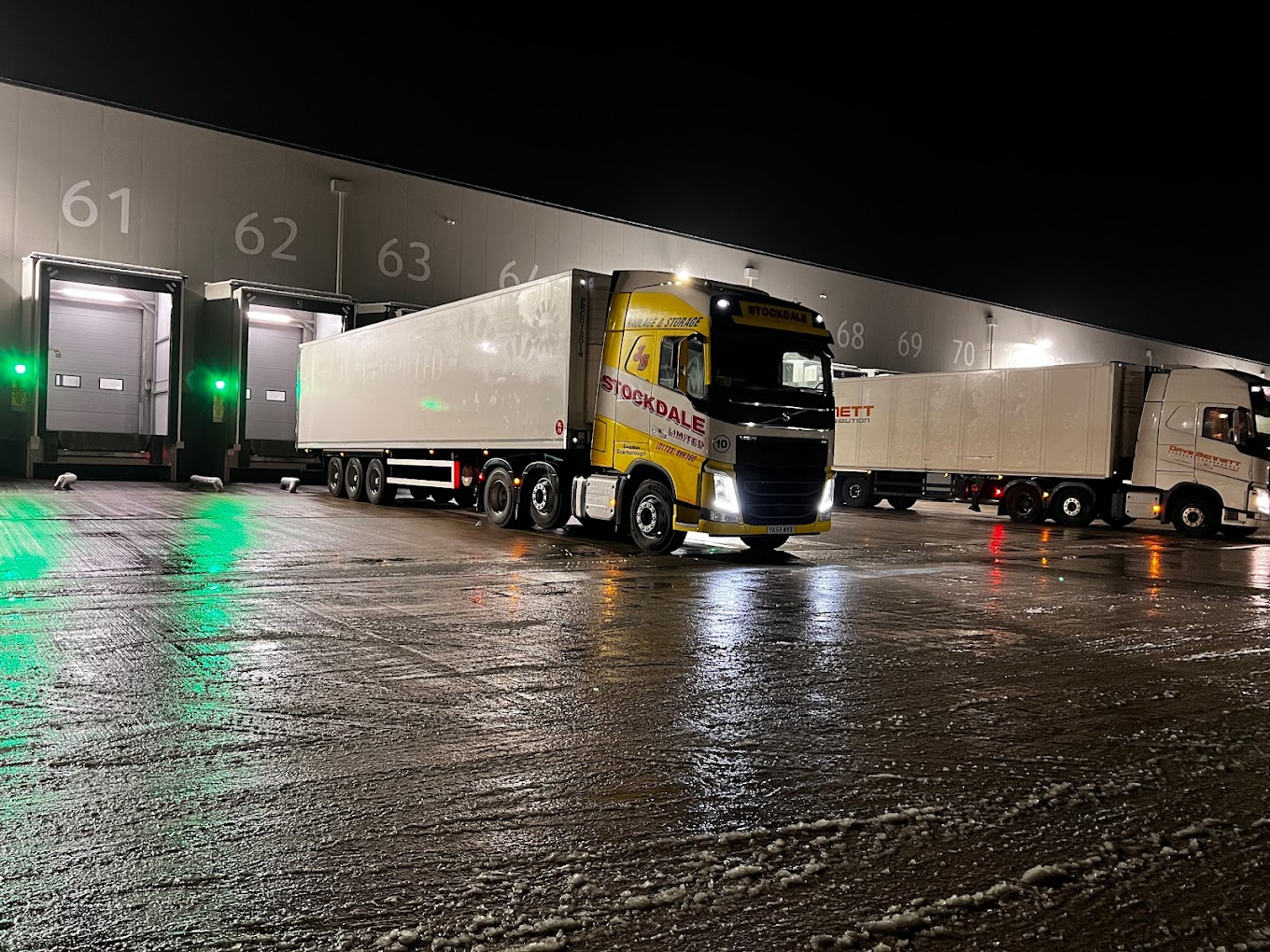
Stockdales
Used across depot operations and driver workflows
Systems integration
Servertastic
Operational software, APIs, payments, certificate fulfilment and a new customer experience, built and evolved by Askew Brook.
Integration work exposes where data, responsibility and process do not quite line up. Once the first connection is stable, the next useful improvement is usually much easier to see.
When the integration reveals a fragile or unsupported core application, we can plan progressive replacement.
See how scanning, production, reporting and warehouse workflows fit into wider systems.
We build, monitor and improve the software rather than leaving the connection as an undocumented hand-off.
Tell us where information is being copied, re-entered or reconciled by hand. We will help you find a practical place to start.