Legacy and operational systems
Unison
Engineering calculation platform for manufacturing systems
Askew Brook built a web based application that assists operators of the tube bending machinery. It helps the o...

The Legacy Software Clinic
Legacy software modernisation does not have to begin with throwing a working system away. We start by understanding what the software does, why people depend on it and where the real risk sits.
Ageing bespoke software often contains years of decisions about how a business prices work, schedules production, manages customers or keeps an operation moving. Replacing it without understanding those decisions is where risk is introduced.
Some parts may be difficult to maintain or no longer supported. Other parts may still reflect the business perfectly well. A sensible legacy system modernisation plan separates the two.
We identify the processes people rely on and the parts of the system that still earn their place.
Unsupported code, fragile hosting, undocumented integrations and knowledge held by one person all need different responses.
We trace data, exports, connected systems and operational hand-offs before recommending change.
The first step should reduce risk or improve work, not simply reproduce every old screen in a newer framework.
The economics of software development have changed. More organisations can now start with a focused piece of work, prove the approach and move progressively instead of committing to a complete replacement before the existing system is understood.
We sit with the people who use it, follow the work and establish what the software is doing in practice.
We identify a useful first area: a risky dependency, a repeated manual process or a part that can be separated cleanly.
New software can be introduced alongside the old system, with integrations and data movement handled deliberately.
The first step is simple: show us the software. Explain what people use, what they avoid and why the business feels stuck with it.
For selected genuine opportunities, after an initial conversation, we may recreate a small representative part at our own cost to demonstrate what a modern replacement could look like. This is offered only where the project and example are suitable; it is not a promise of free development.
These projects began with outdated systems, manual processes or operational work that needed a more dependable software foundation.
Legacy and operational systems
Unison
Askew Brook built a web based application that assists operators of the tube bending machinery. It helps the o...
Legacy and operational systems
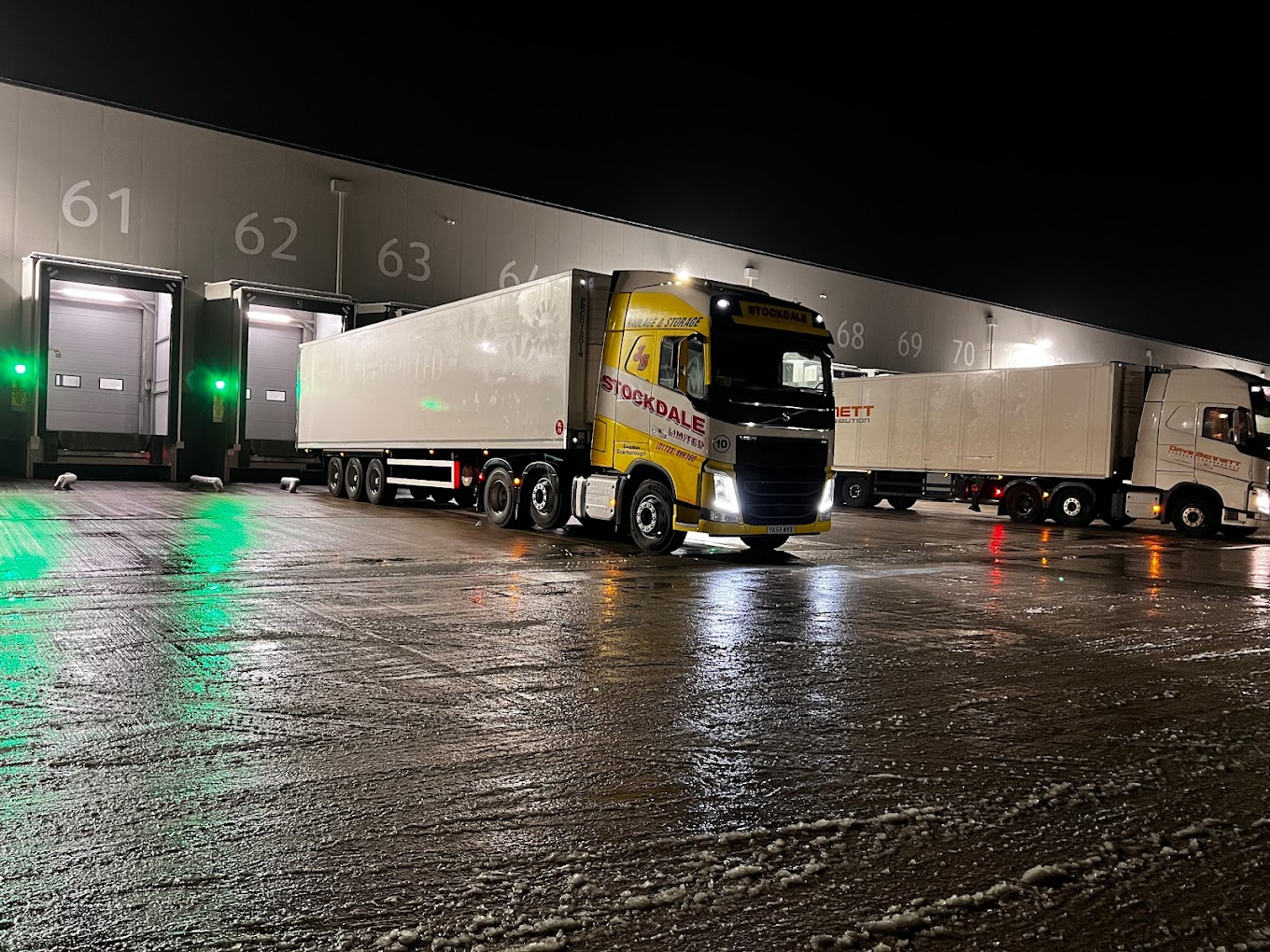
Stockdales
Used across depot operations and driver workflows
Legacy and operational systems
EYJ Ltd
The products they manufacture have to meet strict specifications that vary from project to project. These are...
Modernisation often involves the systems around the application as much as the application itself. That can mean connecting it properly before replacement, improving reporting or moving one workflow at a time.
Systems integration can remove manual hand-offs and create breathing room before a wider replacement.
See how we work with factory, warehouse, reporting and connected operational workflows.
Understand how we scope a clear first piece of work and remain responsible as the system evolves.
Let us see what people actually use, what the business depends on and why replacing it has felt too difficult.