Permissions
Show each role, team, supplier or customer the information and actions appropriate to them.

Custom job management systems · UK
We build custom job management systems for businesses whose real workflow no longer fits a generic off-the-shelf product.
Bring customer records, quotes, schedules, staff activity, documents, completion and reporting into one practical operational system.
The gap in generic job software
Generic job management software is useful when the process is generic too. The difficulty starts when your quoting rules, scheduling constraints, stock handling, field workflow or customer requirements do not match the model the product expects.
Teams then work around the system. Extra spreadsheets appear, information is re-keyed and the most important parts of a job depend on notes, inboxes or staff knowledge. A custom job management system can make those real steps part of the workflow instead.
Sales, operations, field staff and finance each keep a different version of the same work.
Dates are visible, but the people, stock, documents or dependencies needed to deliver are not.
Managers rely on calls, messages or manual status reports to understand what is happening.
People adapt sensible business practice to fit fields and stages designed for somebody else.
A job should remain one connected record as it moves from customer enquiry to completion and reporting.
A connected job workflow
The stages, rules and terminology should match your business. A typical custom workflow might connect these parts without forcing every company into the same sequence.
Keep customer, contact, site and history information attached to the work.
Build pricing and scope using the rules, products and approvals the business actually needs.
Capture approval, confirm the commercial position and create the live job cleanly.
Hold scope, status, responsibilities, documents and changes against one dependable record.
Plan staff, engineers, equipment, production, collections or deliveries with the right context.
Give office, factory, warehouse or field teams focused actions on the devices they use.
Generate and retain job sheets, delivery notes, certificates, invoices or supporting files.
Record the work done, exceptions, sign-off and anything needed for the next commercial step.
See job position, workload, exceptions and history without rebuilding the picture by hand.
Around the core workflow
A job rarely exists in isolation. The right platform can connect the people, information and tools needed to deliver it.
Show each role, team, supplier or customer the information and actions appropriate to them.
Trigger useful alerts for assignments, changes, approvals, exceptions and upcoming work.
Let customers approve, supply information, follow progress or retrieve documents where appropriate.
Give field, warehouse and production teams a practical interface, including offline operation where required.
Connect availability, allocation, usage and movement to the jobs that depend on them.
Exchange the right information with accounts, CRM, ERP, ecommerce and specialist operational systems.
Good job management software begins with the operation, including the exceptions and hand-offs that a neat process diagram often leaves out.
We follow work from the first customer interaction through every team, system, document and decision.
We agree which stages and integrations need to be connected first, without pretending every future requirement is already known.
Once the core workflow is running, we continue to refine the system around real use and changing priorities.
Ordering and fulfilment, live driver jobs, factory schedules and production status—each built around a different real-world operation.

Job and workflow systems
Stockeld Park
A bespoke internal platform connecting orders, inventory, payments, yard preparation and multi-location delivery.
Job and workflow systems
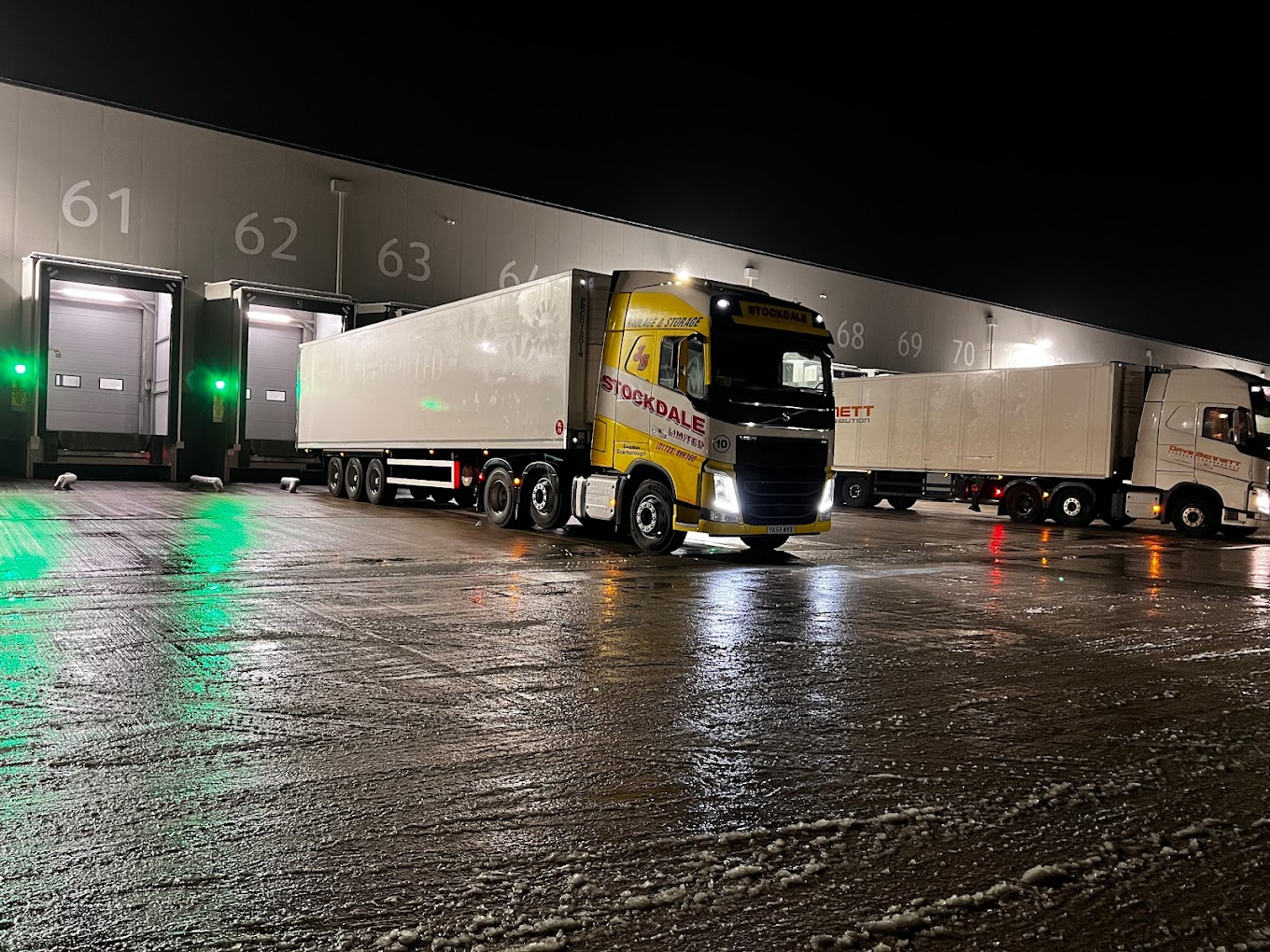
Stockdales
Used across depot operations and driver workflows
Job and workflow systems
EYJ Ltd
The products they manufacture have to meet strict specifications that vary from project to project. These are...
Tell us where the hand-offs, workarounds and missing information make delivery harder. We will help you identify a sensible first step.